Ximos 1.0.5 Update — Live Location, Smart Camera & Surrounding Audio
Ximos 1.0.5 Update — Live Location, Smart Camera & Surrounding Audio
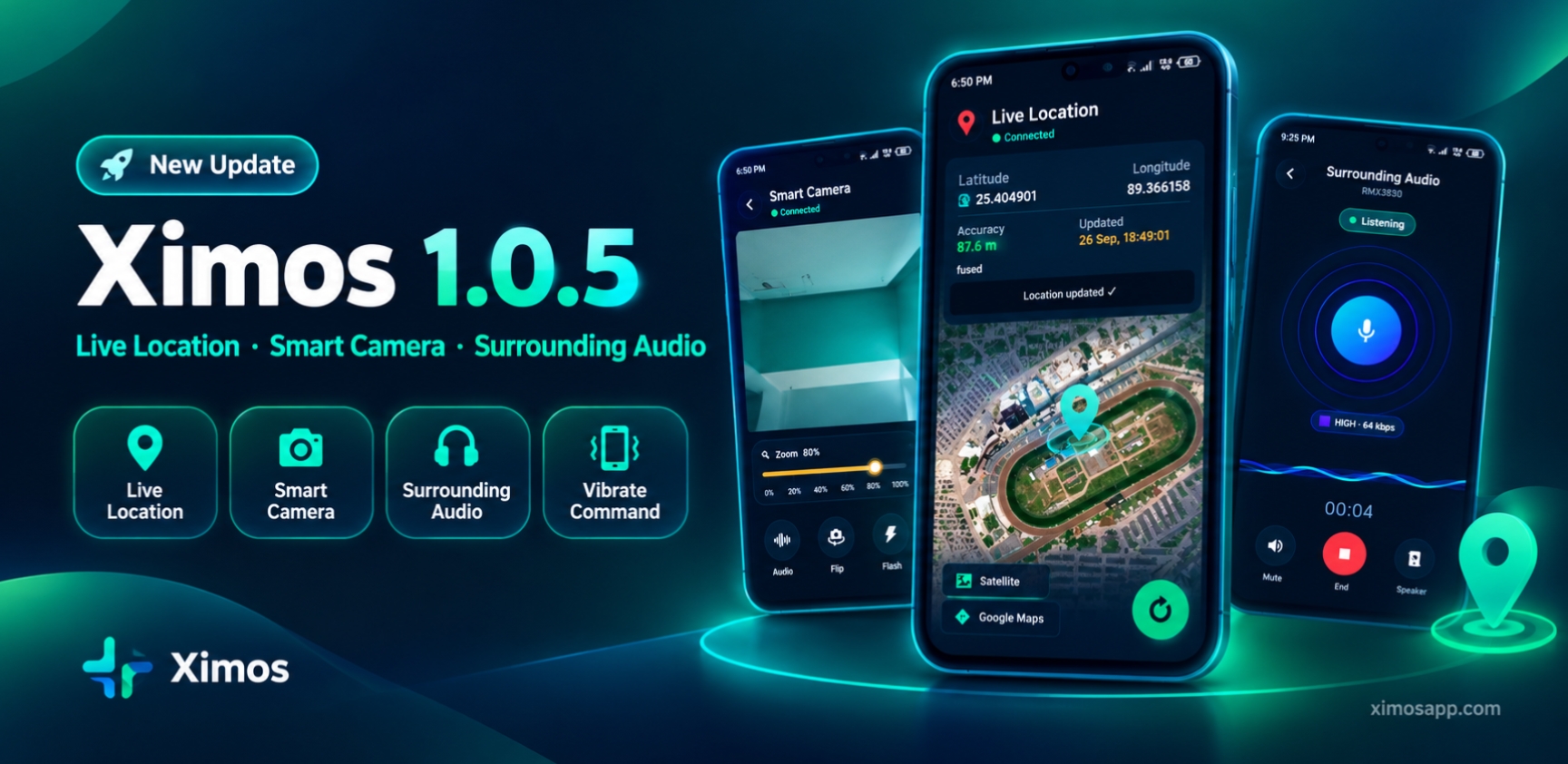
We've shipped the biggest update yet. Ximos 1.0.5 adds four new capabilities parents have been asking for, plus a rebuilt usage-report server that makes the dashboard noticeably faster.
Here's everything that's new.
📍 Live Location Tracking
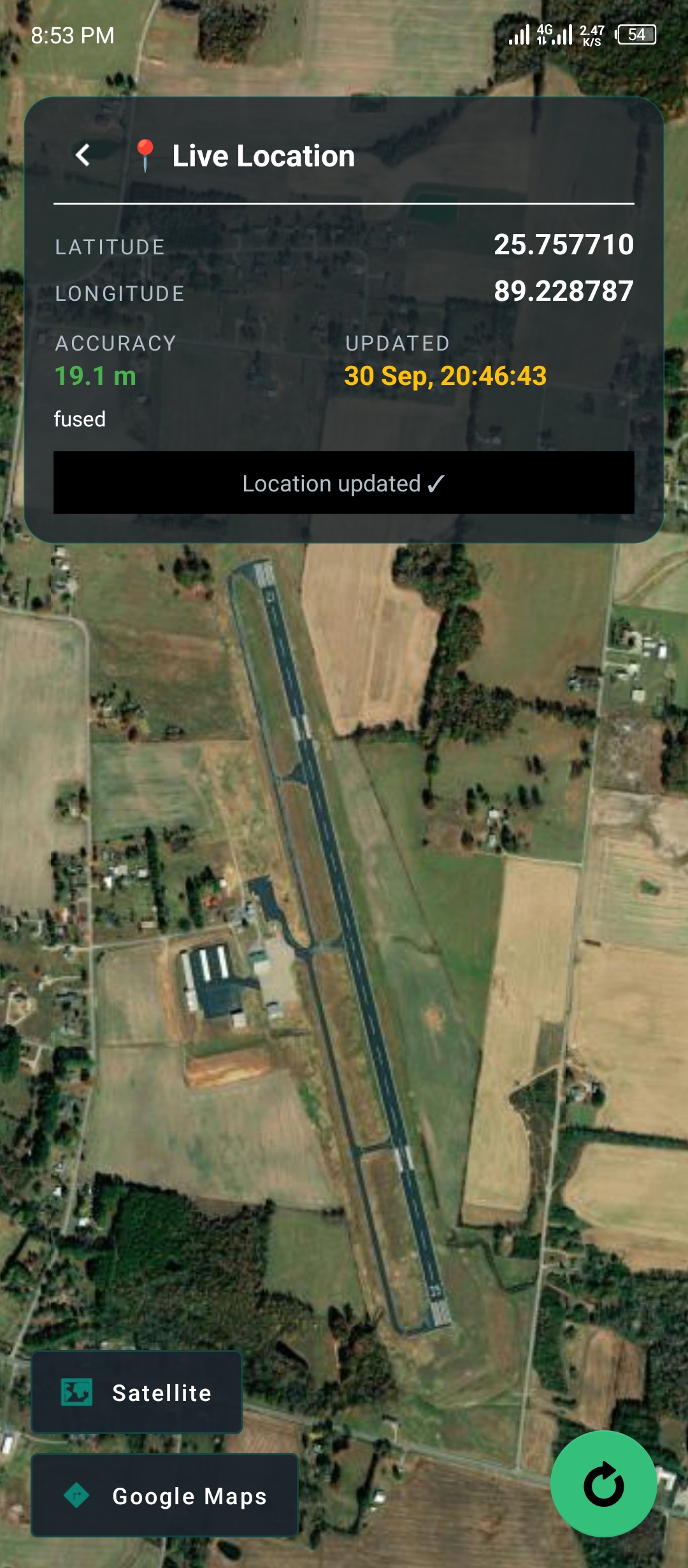
You can now see exactly where your child's device is — on demand, in real time.
- Parent-triggered only. No continuous background tracking. Location is fetched only when you tap refresh.
- GPS auto-enables. If GPS is off on the child device, it activates automatically through the Accessibility Service — no phone hand-off required.
- Multi-stage fetch. Last-known location uploads instantly, and a fresh high-accuracy fix runs in parallel.
- Smart fallback chain. If GPS is blocked, the system quietly falls back through Wi-Fi + Cell tower → last-known → IP-based (city-level), and tells you how reliable the reading is.
- Free built-in map. Street, Satellite, and classic OSM views — no Google Maps API key, no extra cost.
- One tap to open in Google Maps for directions.
🎧 Surrounding Audio — Now Standalone
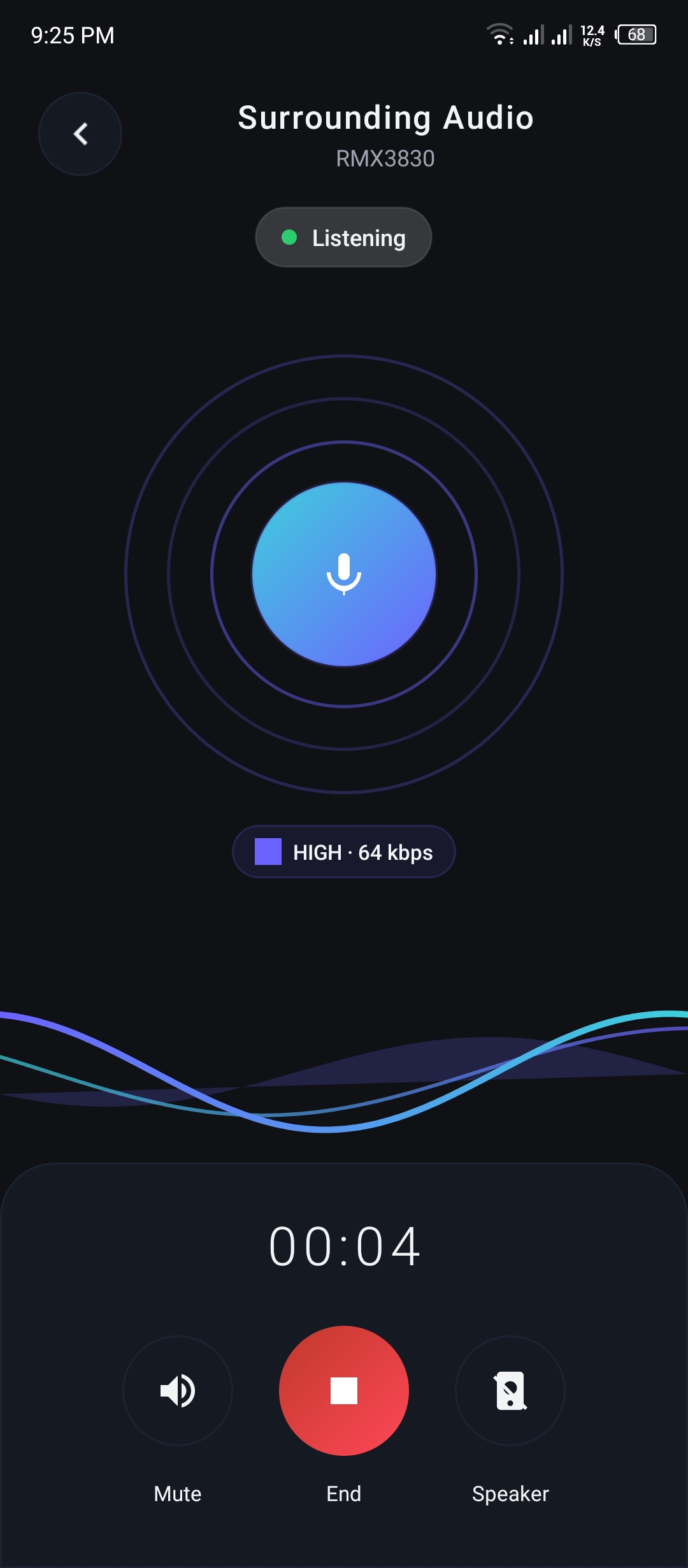
Surrounding Audio is no longer tied to a camera session. It's a fully independent feature.
- 48 kHz full-band audio over WebRTC's music channel — not a voice call.
- 5-tier adaptive bitrate that responds to network conditions in real time.
- Live waveform UI driven by actual PCM audio, not a fake animation.
- Mute toggle + 85% volume boost with memory-restore.
- Auto-routing to wired earphones or Bluetooth headsets when connected.
- 10-second billing discount on sessions longer than 60 seconds.
📸 Smart Camera Cast — Zoom & Focus
Camera streaming in 1.0.5 is much more interactive.
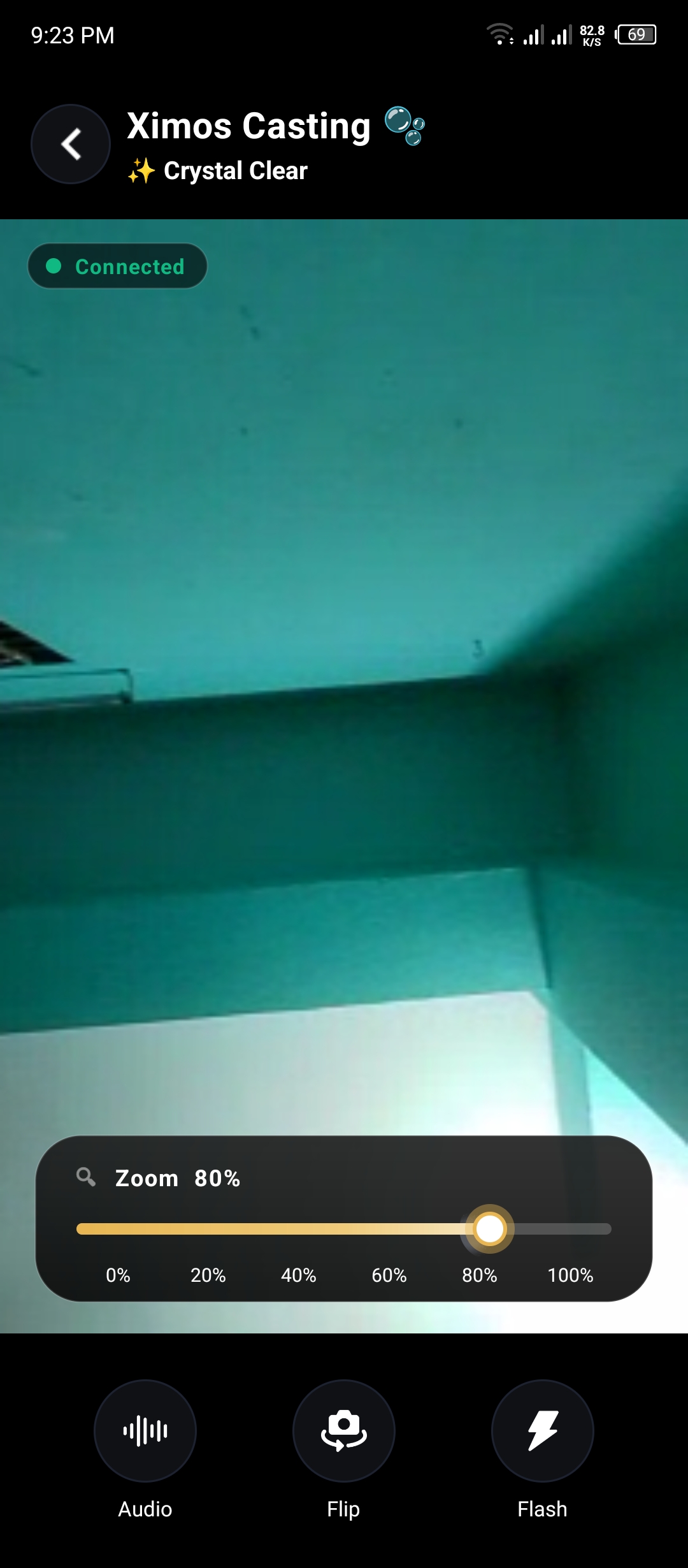
Smart Zoom
- 6-step percentage slider (0/20/40/60/80/100).
- Reads the actual camera's zoom range per device — no fake limits.
- Exponential mapping for a natural feel.
- Re-detects capability when you flip between front and rear cameras.
Smart Focus
- Tap anywhere on the video to focus that exact point.
- Long-press to lock focus ("🔒 LOCKED" for real lock, "🔓 HOLD" for soft lock).
- Auto-unlocks on the next tap.
Both commands now travel over a low-latency WebRTC Data Channel (50–150 ms) instead of Firebase — camera response feels native.
📳 Vibrate Command
A small but useful addition. From the parent dashboard, send a silent vibration to the target device:
- 1 second
- 3 seconds
- 5 seconds
- Pulse × 3
Perfect for nudging your child without triggering a full alert. One-shot, free, no billing.
⚡ Other Improvements
- Faster Usage Reports. Migrated to a new, highly responsive server — the dashboard loads noticeably quicker.
- Splash Screen Toggle. You can now turn the app's splash screen ON or OFF from settings.
- Offer UI. A new interface to view and claim current Ximos promotions.
- Stability & bug fixes across the Accessibility Service and background monitoring pipeline.
🔒 Privacy Unchanged
Every new feature respects the same policy as before:
- Location payloads are relayed in-flight and never stored on Ximos servers.
- Streaming is peer-to-peer — no media touches our infrastructure.
- Zero cookies, zero trackers.
- Disclosed monitoring. XimosKid always shows the persistent foreground notification whenever a feature is active.
Update Now
The 1.0.5 update is rolling out to all users. Open the app to update, or download the latest APK from the Ximos download page.
Questions? Reach us at [email protected].
Leave a Comment
Comments
Loading comments...